-
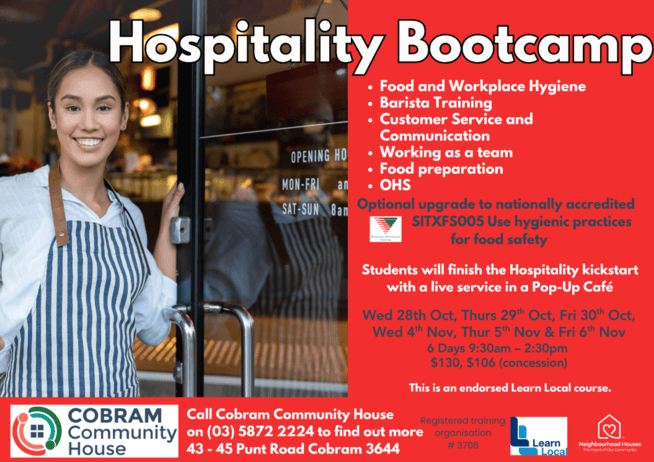
Hospitality Bootcamp
Hospitality Bootcamp This 6 day course will help prepare you for work in retail or hospitality. Wednesday, October 28th to Friday October 30th AND Wednesday November 4th to Friday November 6th. 9.30am – 2.30pm on all 6 days. Cost: $130 ($106 concession)
-
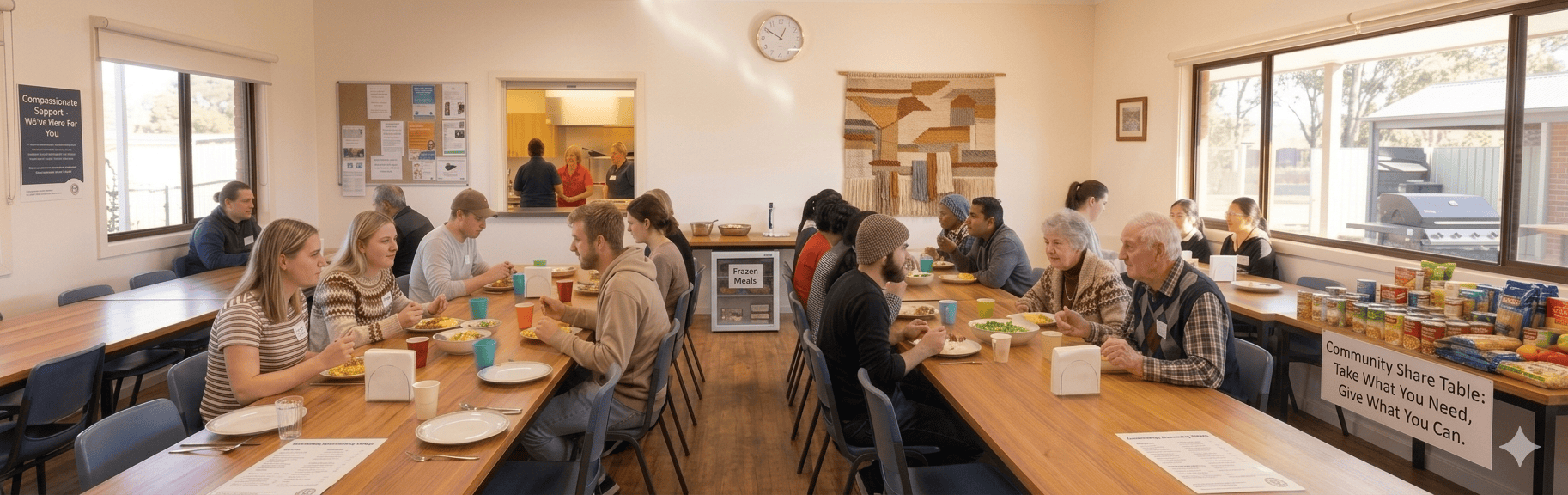
Food Relief Program
Community Food relief Program At Cobram Community House, we believe everyone deserves access to nutritious food and the opportunity to feel connected to their community. Our Food Relief Program provides practical support to individuals and families experiencing genuine financial hardship or food insecurity through a range of services designed to meet immediate needs while fostering…
-
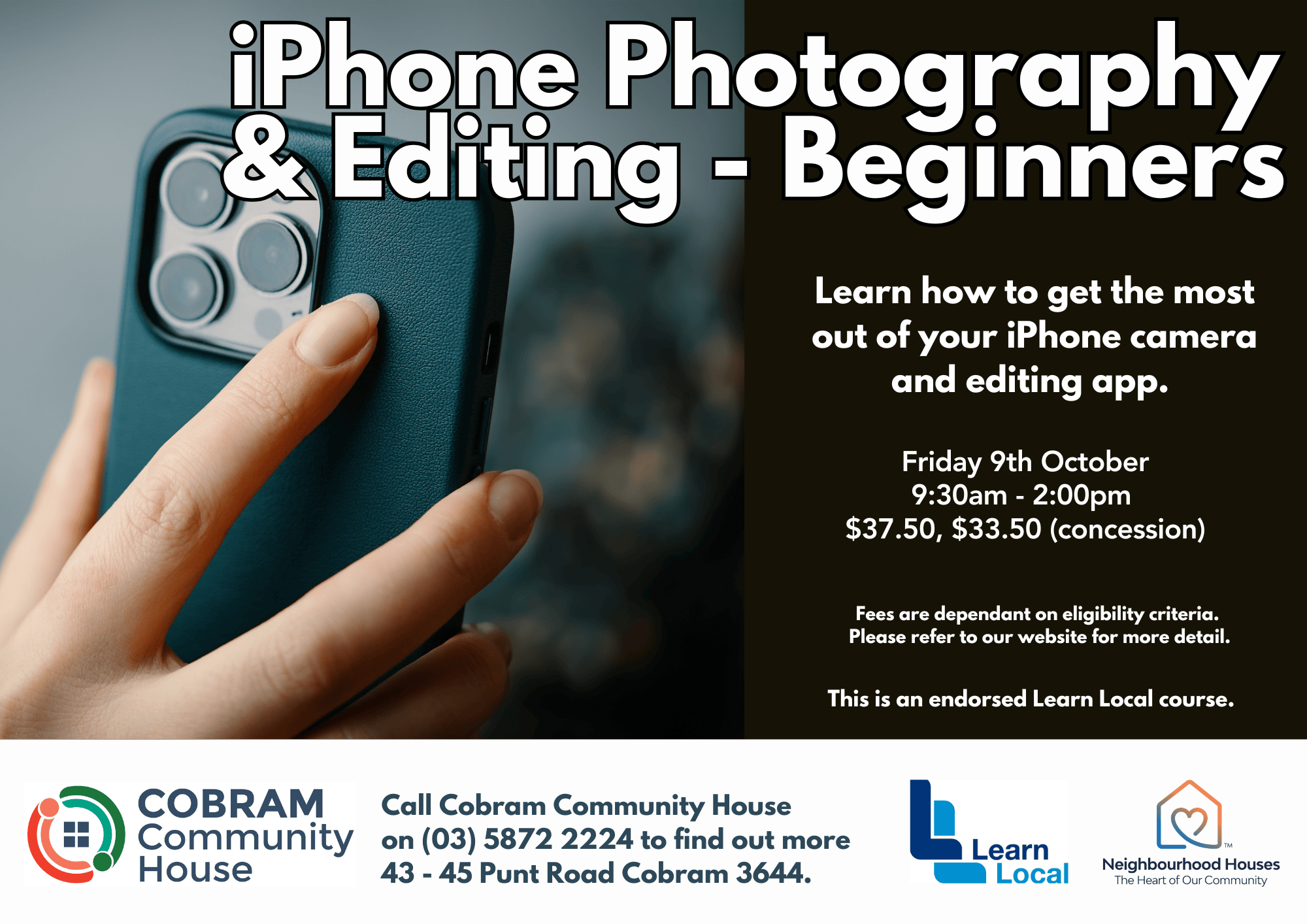
iPhone photography
Learn how to get the most out of your iPhone camera and editing app. Friday 9th October 9:30am – 2:00pm Cost: $37.50, $33.50 (concession) Fees are dependant on eligibility criteria. This is an endorsed Learn Local course.
-
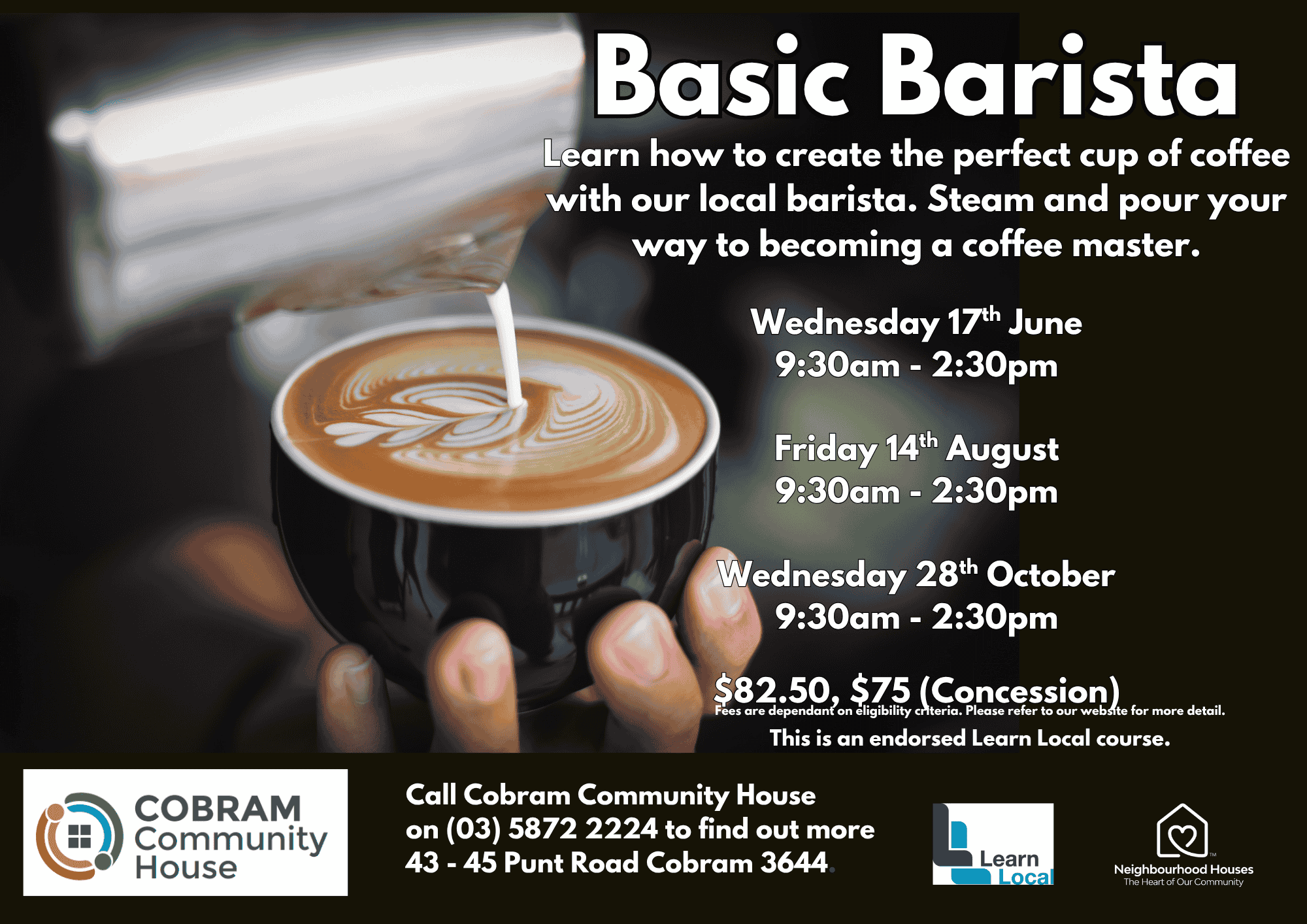
Basic Barista
Learn how to create the perfect cup of coffee with our local barista. Steam and pour your way to becoming a coffee master. Wednesday 28th October 9:30am – 2:30pm Cost: $82.50, $75.00 (Concession) This is an endorsed Learn Local course.
-
For Students
Cobram Community House is committed to your success. Cobram Community House encourages individuals with disabilities to access training by Skills First programme.
-

Be Connected
be connected program Helping people 50+ to learn to use digital technology safely. Thursdays 10.00 – Noon Fridays 1.00 -3.00pm COST: FREE “Get Online Week” Karaoke session Thursday October 22nd. A free light lunch will be provided along with fun and learning activities. Bookings Ph: 03 5872 2224.
-

Soft Pastel Art Class
Be guided through the techniques of soft pastel drawing with talented artist Meredith and unleash your creativity. All materials are supplied. Fridays 10:00am – 12:00pm. $5 PER CLASS Get creative by joining our soft pastel art class.
-
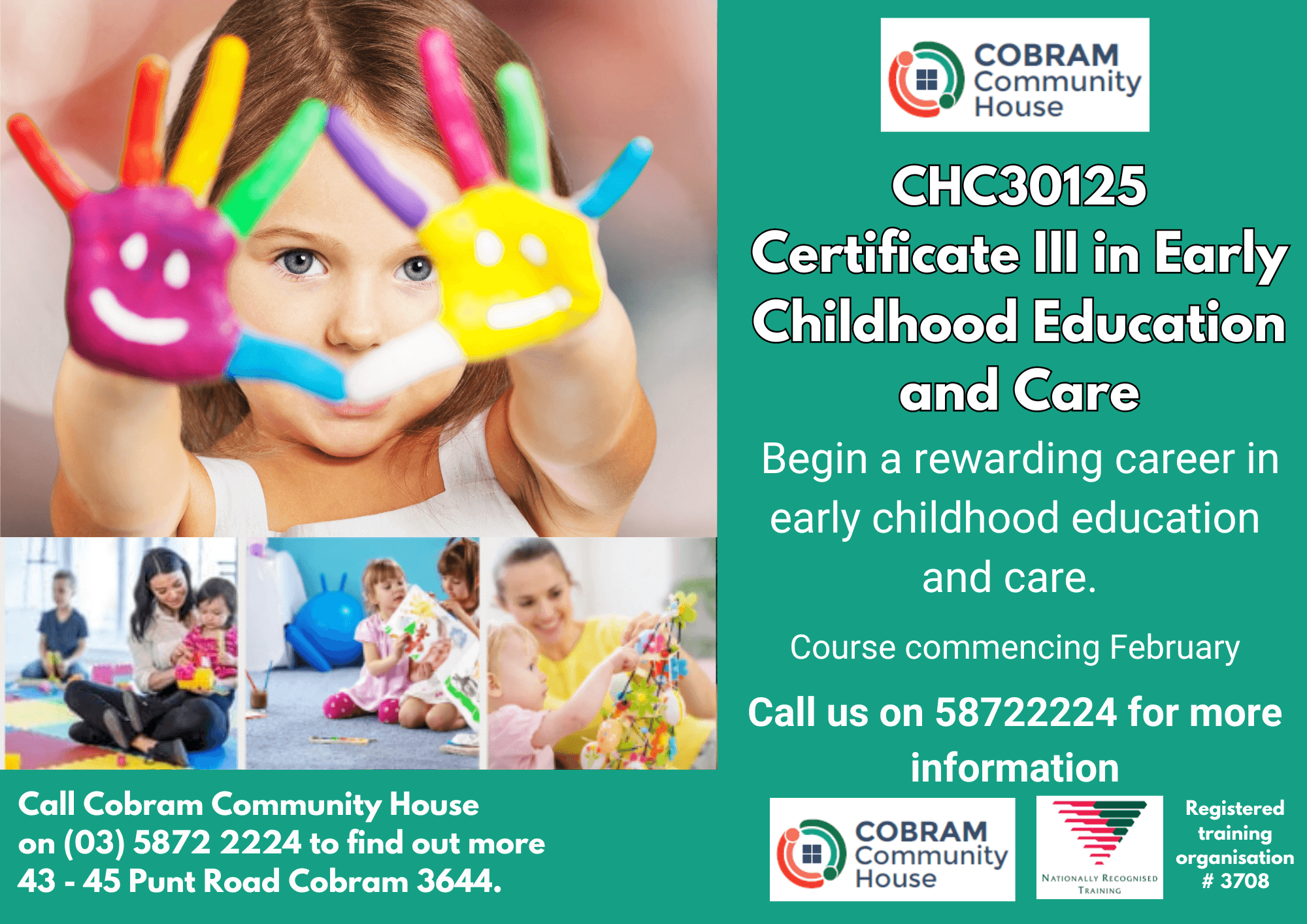
CHC30125 ECEC
Tuesdays 9.00am – 3.00pm COST: Funded $825, Concession $645, Unfunded $6000
-
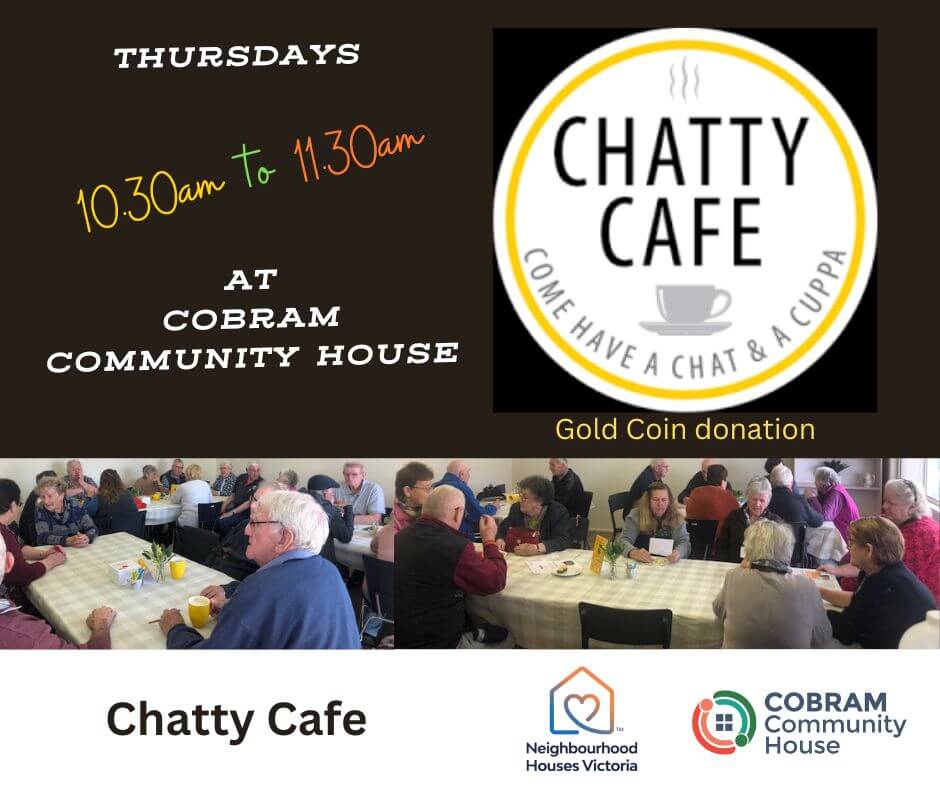
Chatty Cafe
Held at Cobram Community House, 43-45 Punt Road, Cobram Vic. Thursdays 10.30am – 11.30am. If you are new to town or live alone our Chatty Cafe may be an opportunity to meet and connect as it’s a great way to meet new people and enjoy a yarn in an informal community setting. Enjoy a cuppa,…


Pre-Accredited Training Student pre-enrolment information
All fees are dependent on eligibility criteria. Students must be either
- an Australian citizen; or
- a holder of a permanent visa; or
- a New Zealand citizen; or
- an Asylum seeker holding a valid visa that confers eligibility for government
subsidised training through the Asylum Seeker VET program - 17 years of age and over and not enrolled at school, or under 17 and not
enrolled at school with an exemption from school.
If you are not eligible for funded training, Cobram Community House is happy to
offer fee for service training.